> ## Documentation Index
> Fetch the complete documentation index at: https://docs.piebald.ai/llms.txt
> Use this file to discover all available pages before exploring further.
# Using @pierre/diffs for file edit diffs
> Piebald allows you to switch between @pierre/diffs and Monaco editor.
Available in [Piebald Pro](https://piebald.ai/pricing)
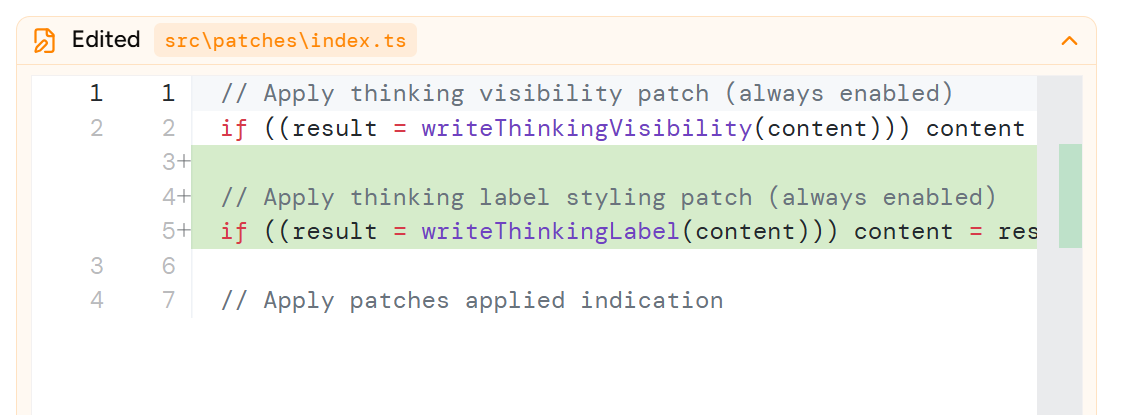
By default, Piebald uses [Monaco editor](https://github.com/microsoft/monaco-editor), the same editor that powers VS Code, to render diffs when the model creates or edits files. Here's an example:
 With Piebald Pro, you can switch the library used for diff rendering to [`@pierre/diffs`](https://diffs.com/):
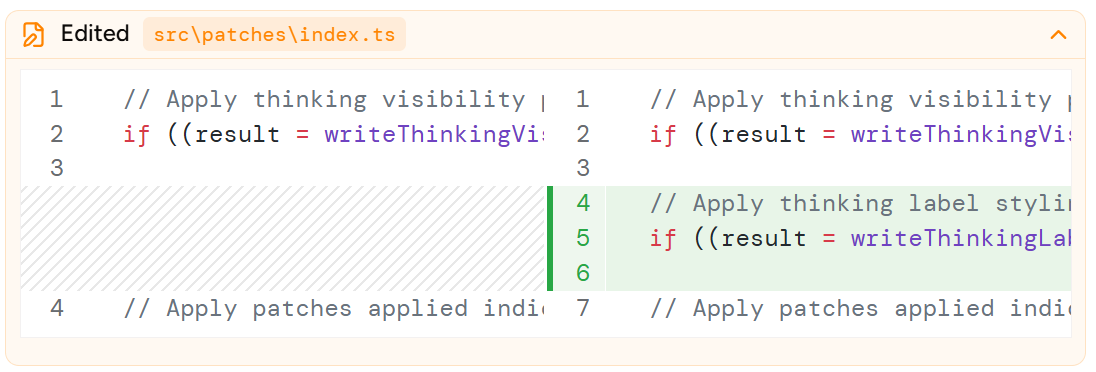 To use Diffs, go to **Settings → Chat Interface** and under **Diff Library**, select **@pierre/diffs**.