Available in Piebald Pro You can use Piebald’s integrated terminal to run commands directly in the app without leaving to an external terminal. The terminal pane is stuck to the bottom. However, in a future version, we plan to allow it to be moved to the side for a split view alongside chats. The terminal will use the same theme that you’ve selected for codeblocks, located at Settings → Appearance → Code Block Themes.

Creating new terminals

To create a new terminal, hover the project and click the small new terminal icon: project_new_terminal_button.png

Confirmation for closing active terminals

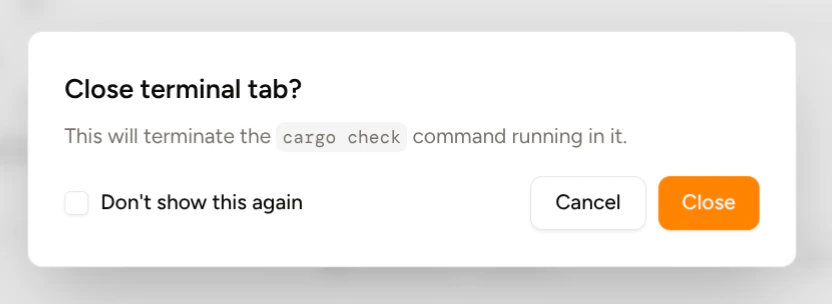
If you try to close a terminal that has a process actively running (e.g. cargo check, pnpm install, etc.), Piebald will warn you and ask you for confirmation before you terminate the process. You can choose to disable the confirmation dialog, and in the future, we’ll add a setting to re-enable it. close_terminal_tab_confirmation.png