

Marking chats
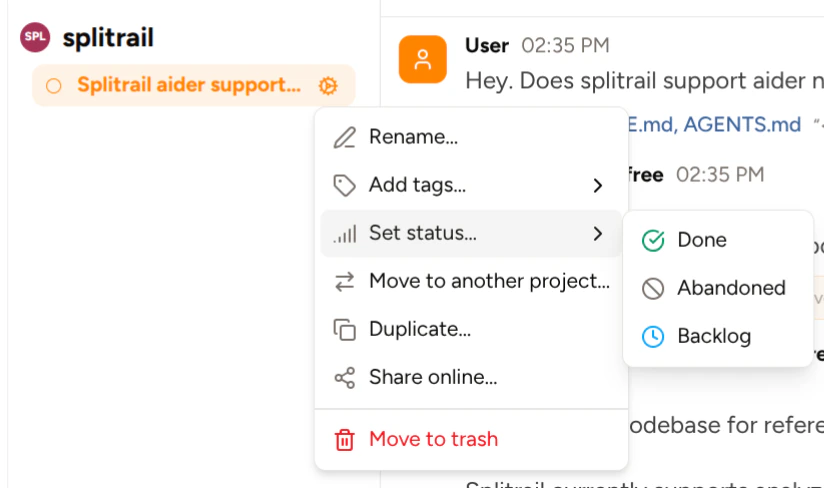
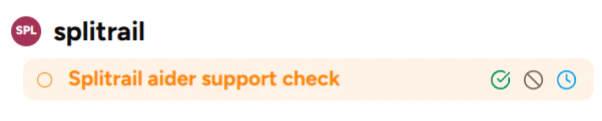
You can assign a status to a chat using three methods: Status icon next to the chat title: Up in the header bar at the top of the chat view, there’s a gray circle next to the chat title. Clicking it reveals a dropdown containing the chat statuses.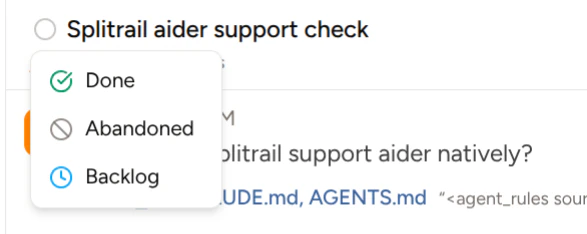
Viewing all chats
To view all chats regardless of their statuses, hover the project or worktree that contains the chats and click the chats button: